Make a CV you can send
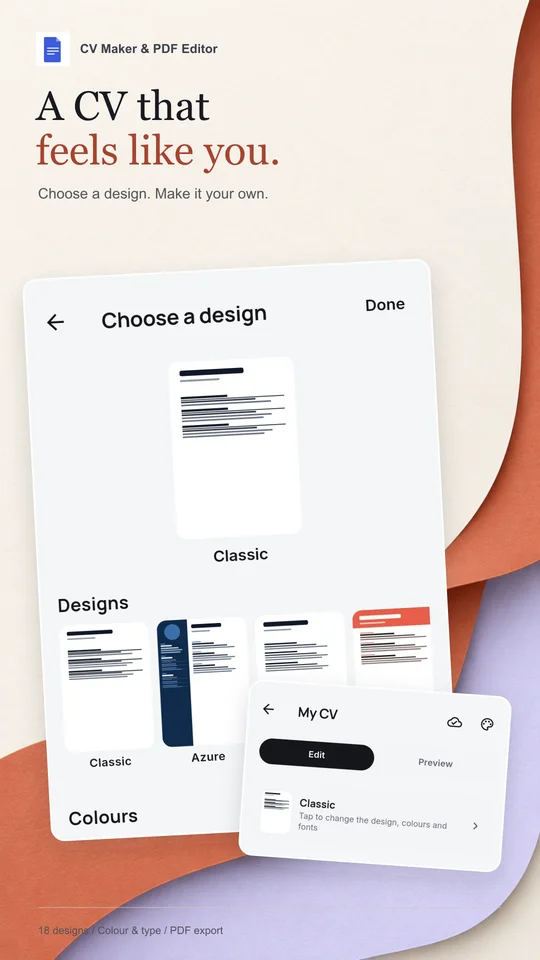
Write your experience once, choose from eighteen designs and export a PDF. Change the layout without starting over.
Documents, sorted.
Create a CV from 18 designs and work with 42 PDF tools. Merge, split, scan, sign and build multi-step workflows on your device, without an account or document upload.
Android & iOS · Available
Real app screens, with a focus on the tools you use.
Made for everyday use
Write your experience once, choose from eighteen designs and export a PDF. Change the layout without starting over.
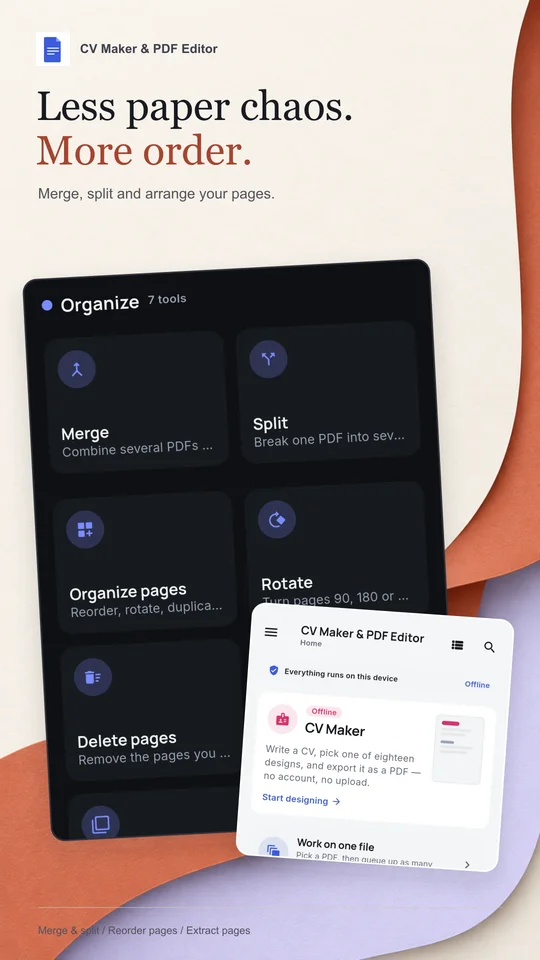
Merge documents, split by range or bookmark, rotate pages, remove blanks and extract the pages you need.
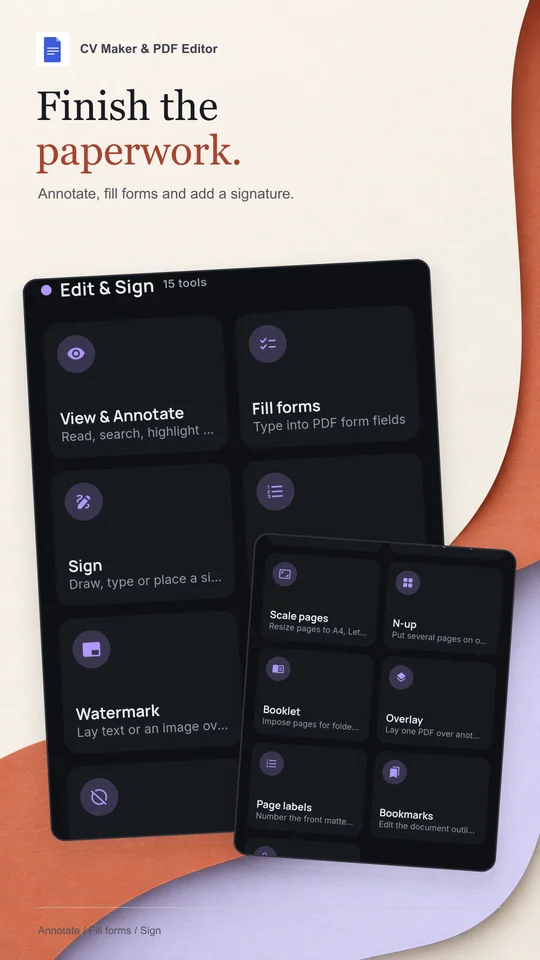
Fill forms, add a signature, annotate pages, apply a watermark or redact sensitive content.
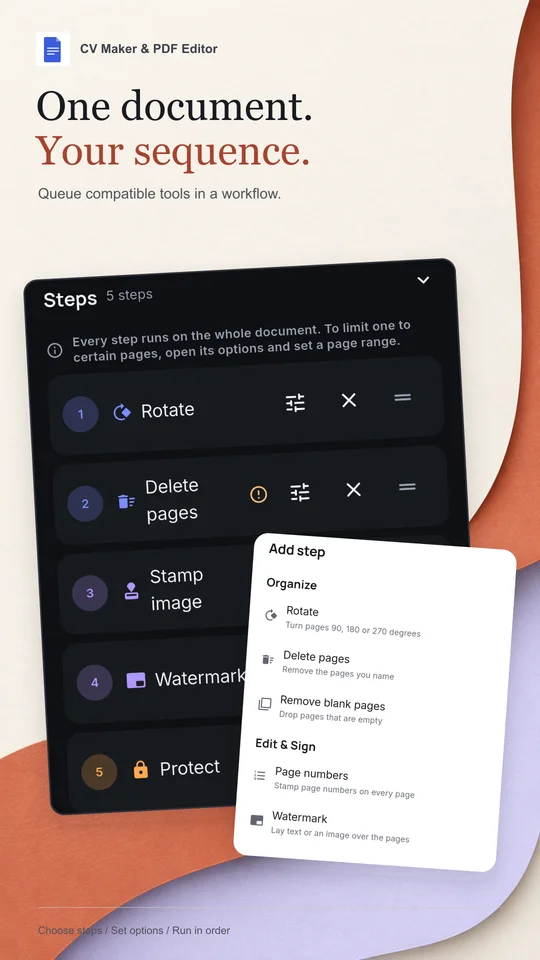
Queue compatible tools in a workflow and set each step’s options before running. Convert files, compress PDFs and recognize Latin-script text with on-device OCR.
A closer look
Getting started
Open a document from your device, scan a page, or enter your CV details.
Pick a tool, preview its options, or choose a CV design. For several changes, build a workflow.
Save the output on your device. Send it through your usual apps when you are ready.
No. PDF operations and CV creation run on your device. Sharing a file is your choice. Ads, configuration and optional reporting can still use a network connection.
Yes. Enter your details, pick one of eighteen designs and export the CV as a PDF. No sign-in is required.
This website introduces the Android and iOS app. PDF editing happens in the mobile app.
Download CV Maker & PDF Editor for Android from Google Play or for iPhone and iPad from the App Store using the links on this page.
Android & iOS · Available
From the same workbench
 Books · Notes · Bookmarks
Read EPUBs, PDFs and comics offline with Sonnet for Android and iOS. Listen to audiobooks, save notes and bookmarks, and back up your personal library.
Explore SonnetCheck Nepali dates, panchang, holidays and festivals with Katigate. Convert BS and AD dates on the web, or get the Nepali calendar app for Android and iOS.
Explore Katigate